Popular formats
Import common Bedrock add-on, pack, and world files.
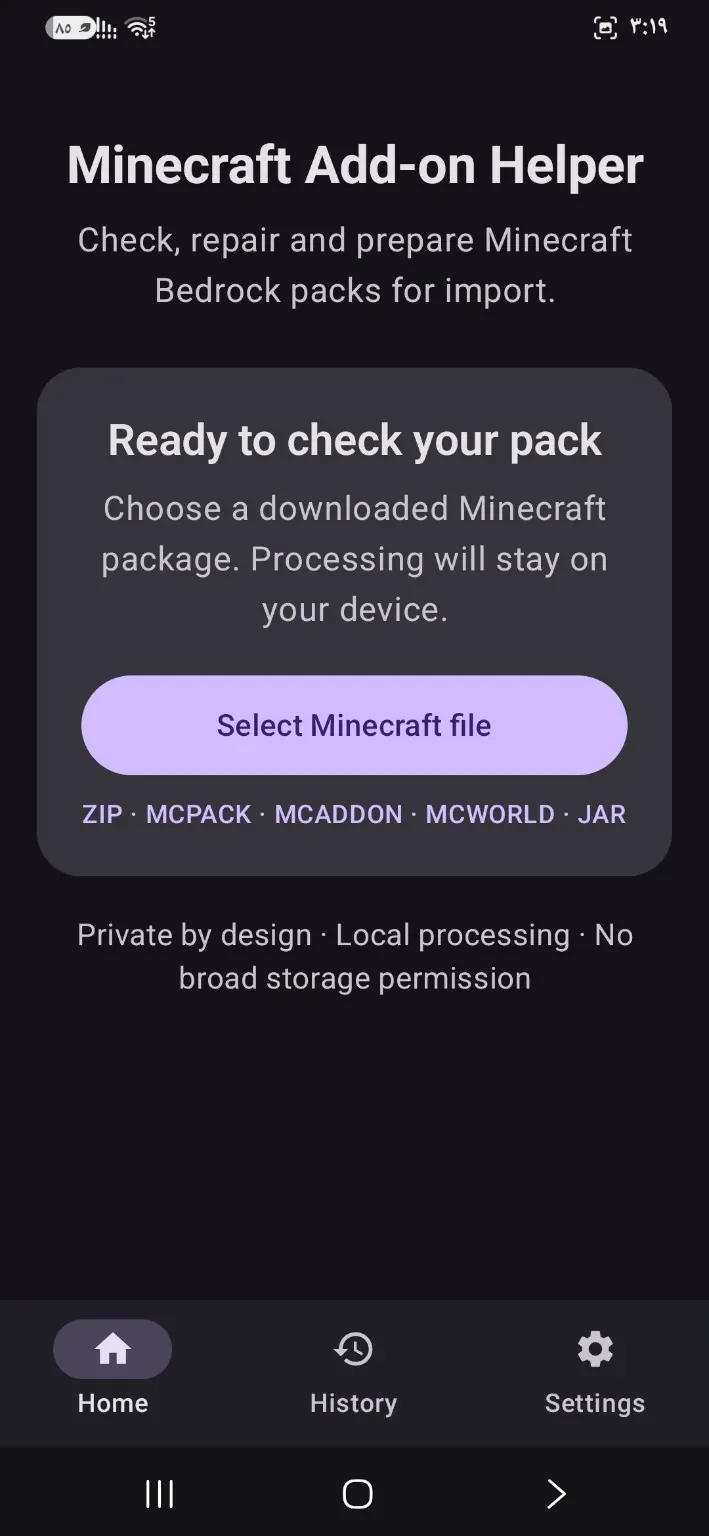
Having trouble opening a mod, map, or pack? MCFX lets you select Minecraft Bedrock files, inspect them, attempt supported repairs, and share the result with the game—without ZArchiver.
Get it on Google Play ↗
Import common Bedrock add-on, pack, and world files.
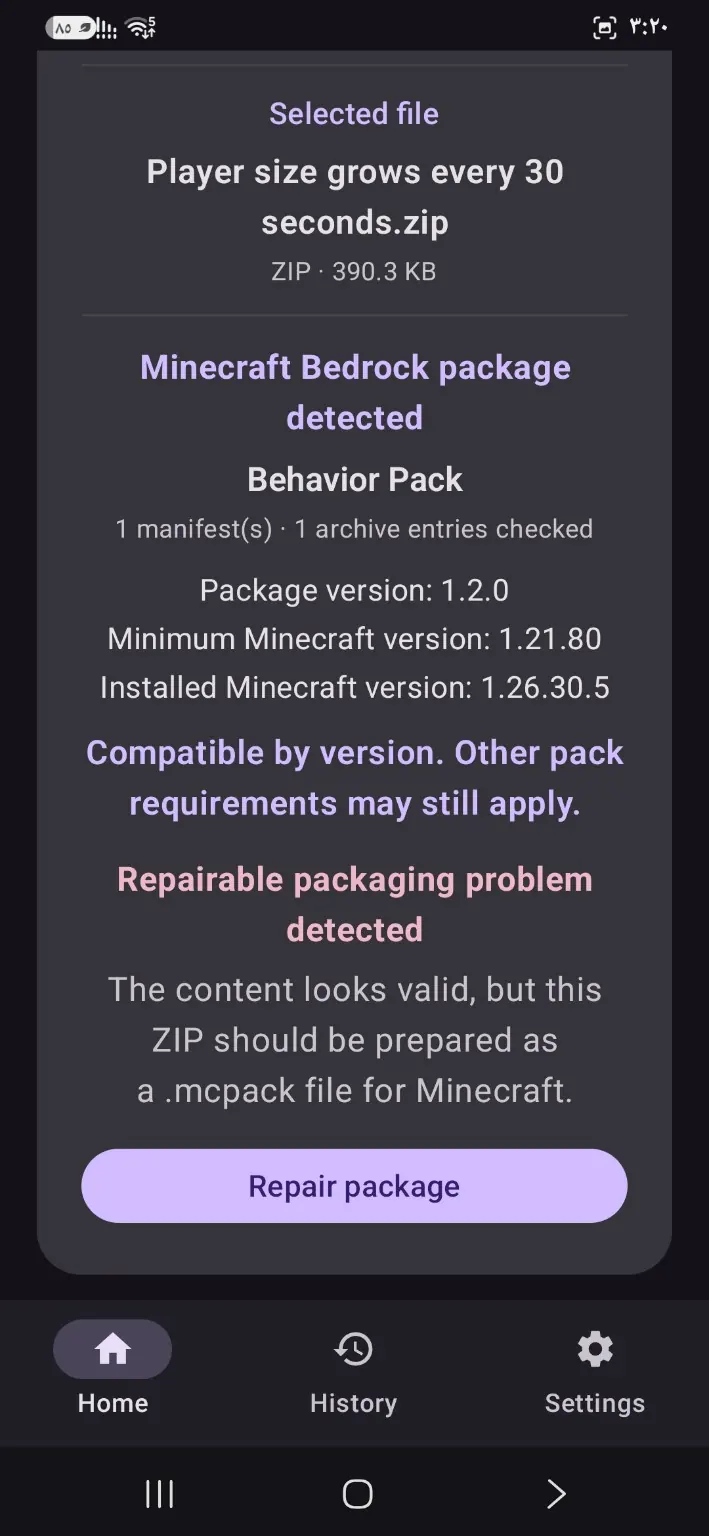
Detect file types and attempt fixes for certain packaging issues.
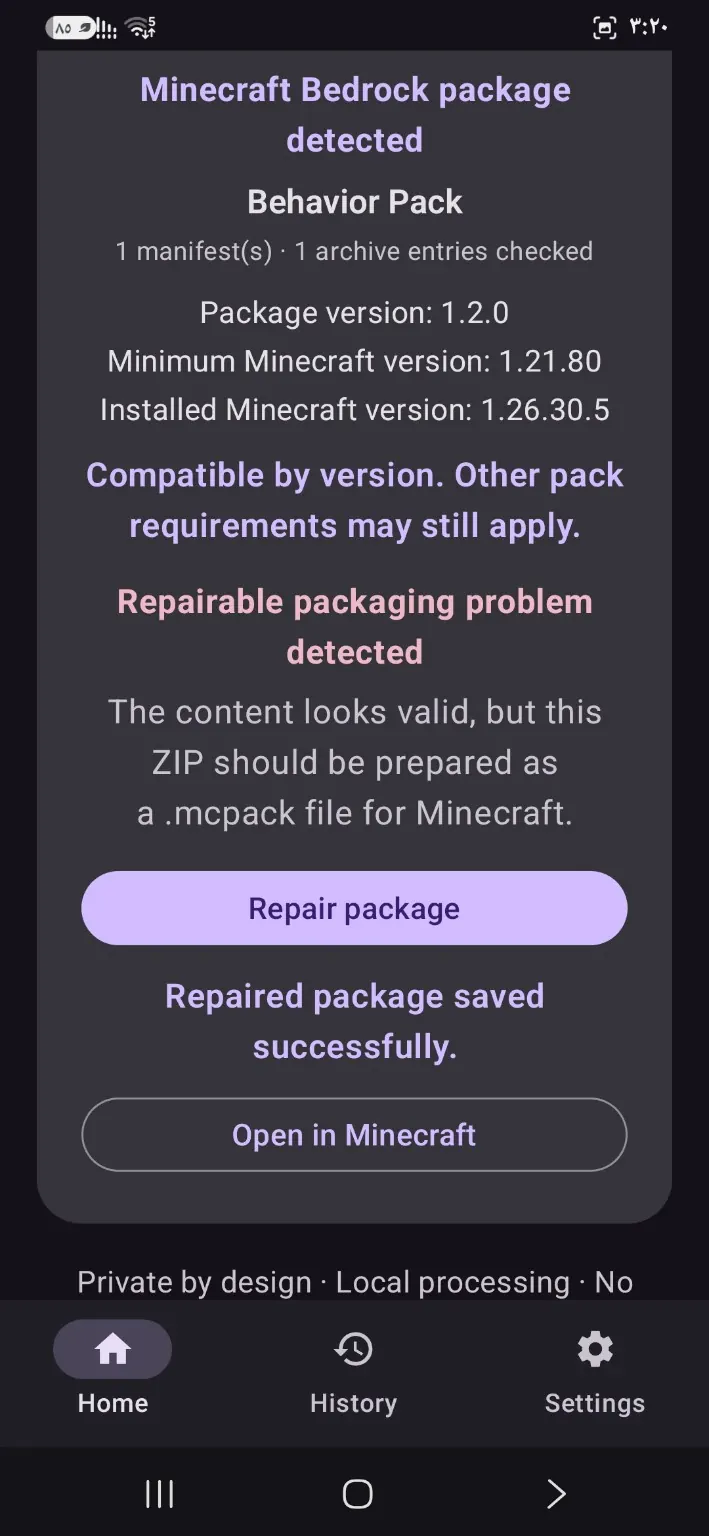
Open or share your processed files with Minecraft.
Avoid manually navigating game storage folders.
Choose a .mcpack, .mcaddon, or .mcworld file on your phone.
Let MCFX inspect the file and attempt supported repairs.
Export the result to Minecraft or share it through Android.
No. Some files are irreparably damaged, and others may not work with your Minecraft version.
No. MCFX is independent and is not affiliated with Mojang or Microsoft.
No. The app is designed to handle file selection and processing directly on Android.
Having trouble opening a mod, map, or pack? MCFX lets you select Minecraft Bedrock files, inspect them, attempt supported repairs, and share the result with the game—without ZArchiver.
Get it on Google Play ↗