What is MMIX?
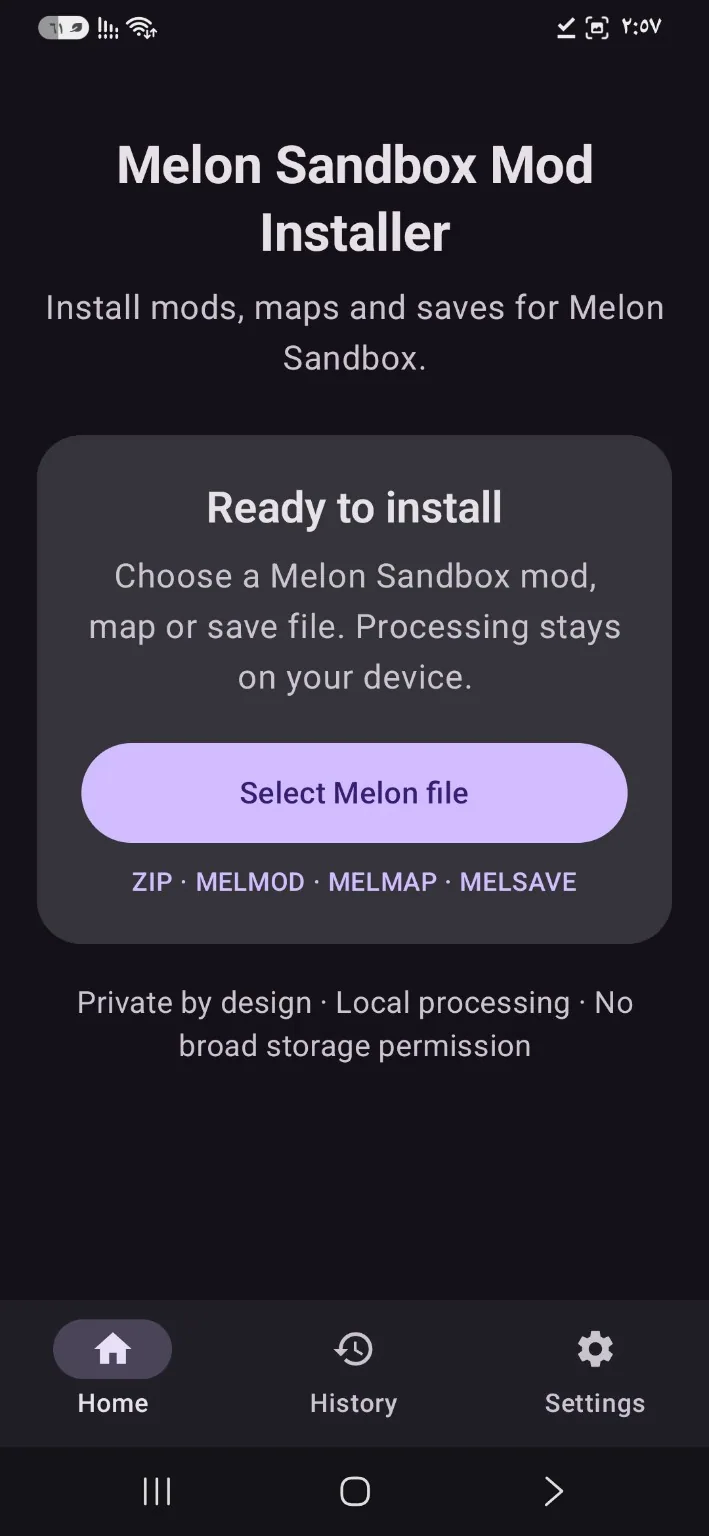
MMIX helps you select supported Melon Sandbox files on Android and prepare them for import into the game. File processing happens on your device.
How to use MMIX
- Install and open the app.
- Choose a mod, map, or save file using Android's file picker.
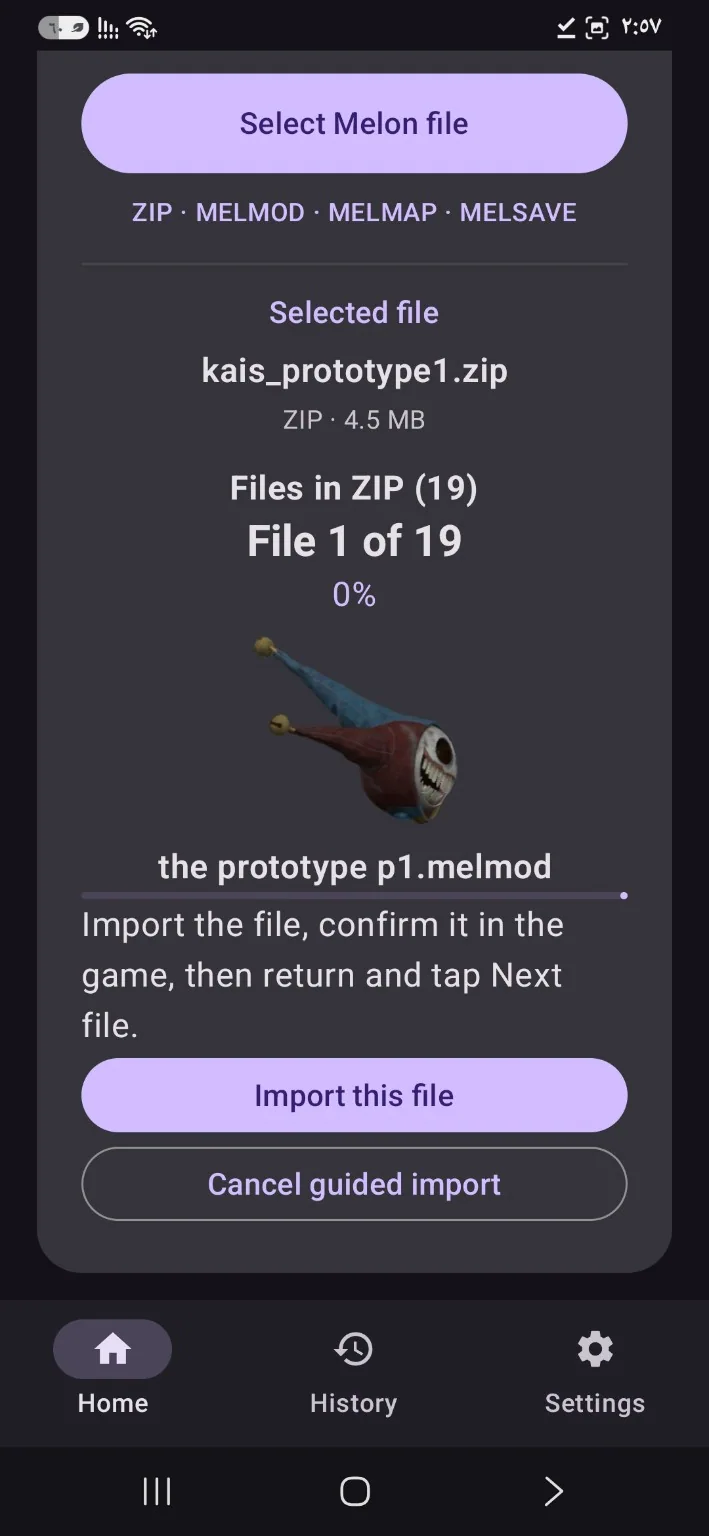
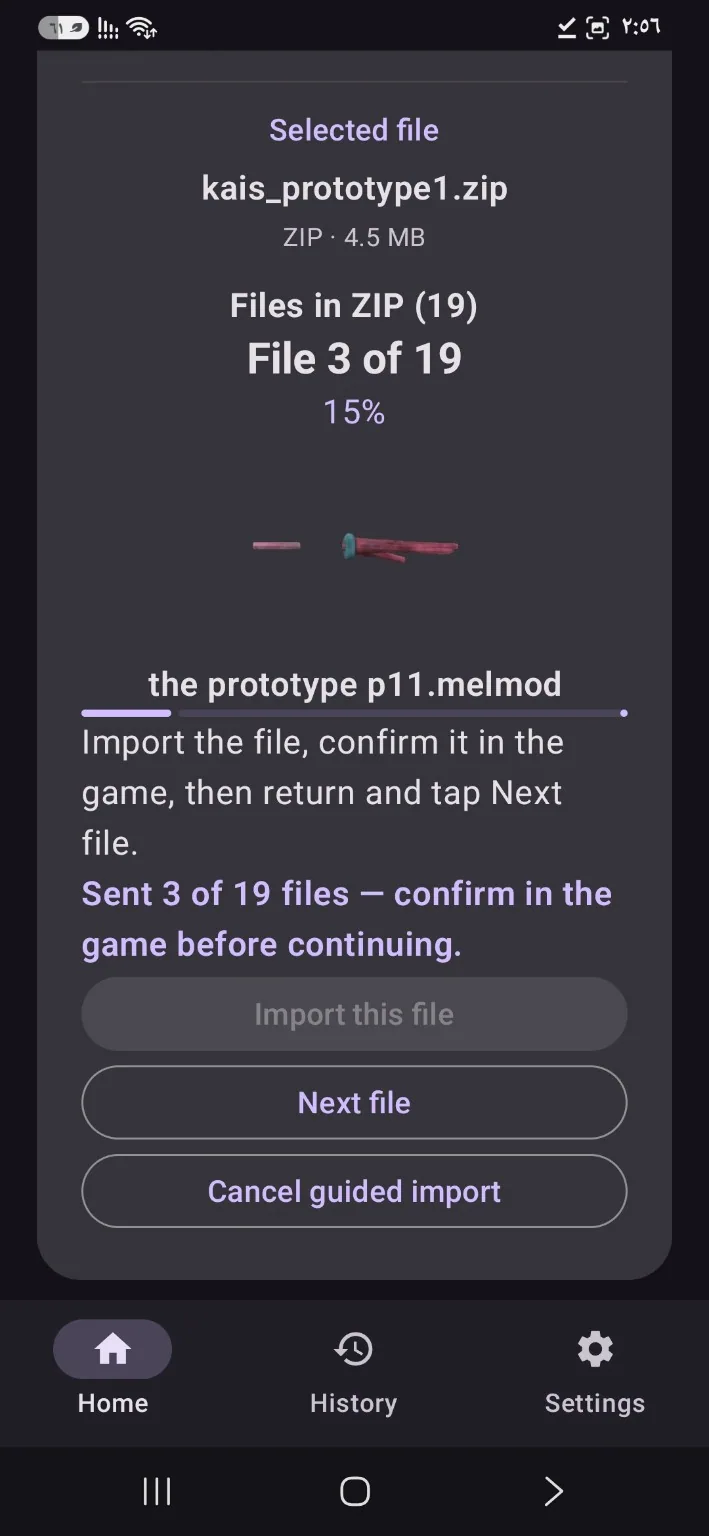
- Follow the import steps shown by the app, then open the game to check the content.
Supported files
MMIX handles formats such as .melmod, .melmap, .melsave, and ZIP archives containing compatible files. Import success depends on the file and game version.
Frequently asked questions
Does MMIX require root?
No. It uses Android's supported file selection and sharing mechanisms.
Can every ZIP file be installed?No. The archive must contain files supported by the game.
MMIX app screenshots